Product
One product on the phone, a shared tablet, and the office computer. Roles from crew to super admin. Projects, mid-session notes, breaks, reports, and an audit log.
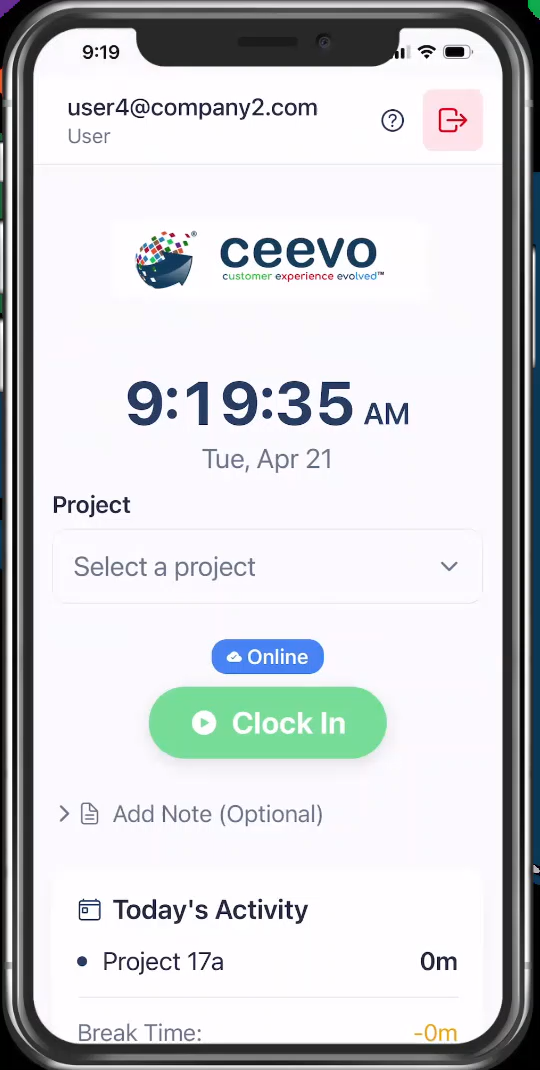
Select a project first. Then punch. Start lunch, personal, or other break without losing the session. See today’s hours and the week as it builds.
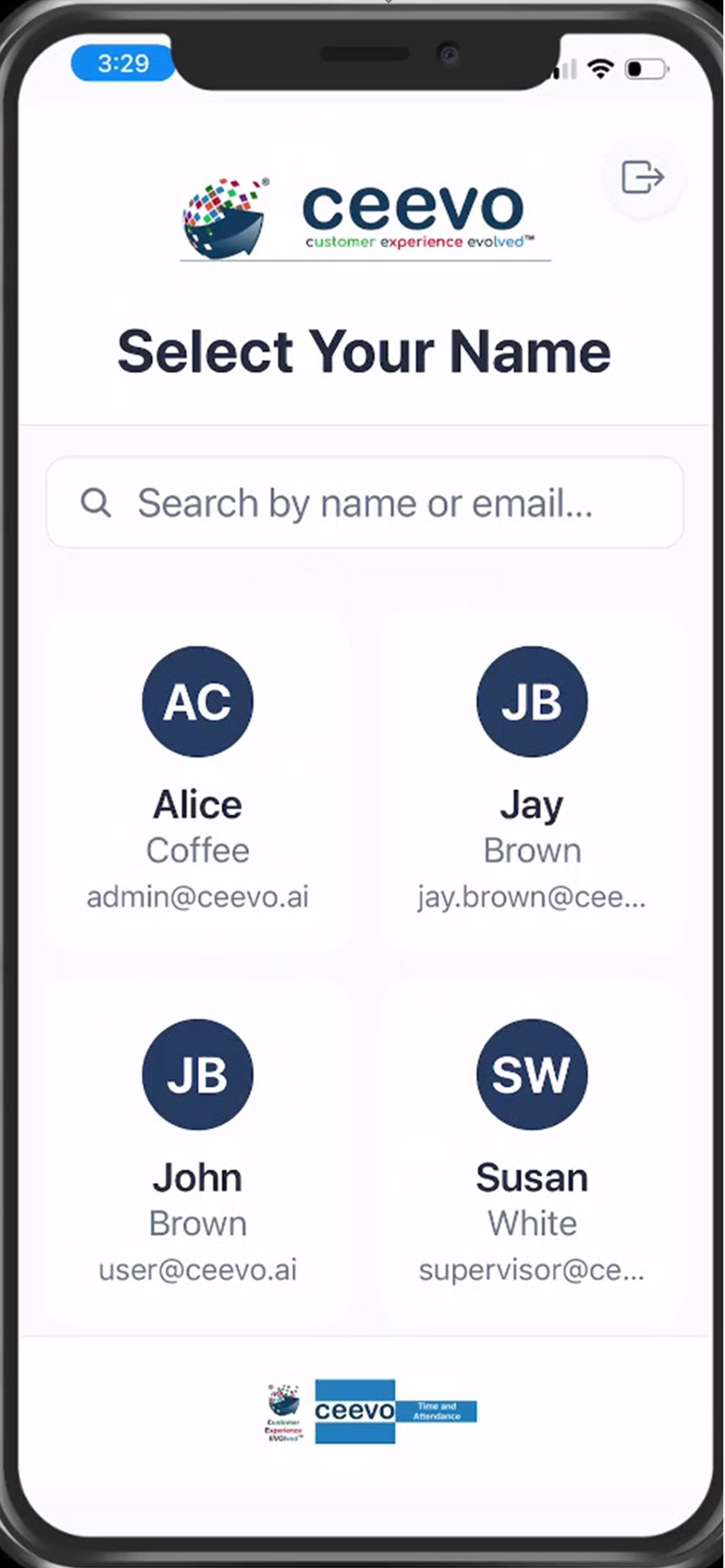
Search a name, enter a 4-digit PIN, punch, and hand the tablet back. Built for a job trailer, front desk, or shop door — not for a shared password on a wall phone.
A tech clocks in once and works a stack of service orders. After each order they submit a note — “work order #100378” — without clocking out. The next note starts the next order. Waiting on parts? Write that. Pick the same order up later the same day. Each note is timestamped.
Notes show on the session, in Recent Activity, and under each project on the weekly report. Export PDF or spreadsheet and you can cost the work order, not just the day.
Type or speak the note. Submit. It stamps the current session only — it does not change clock-in or clock-out.
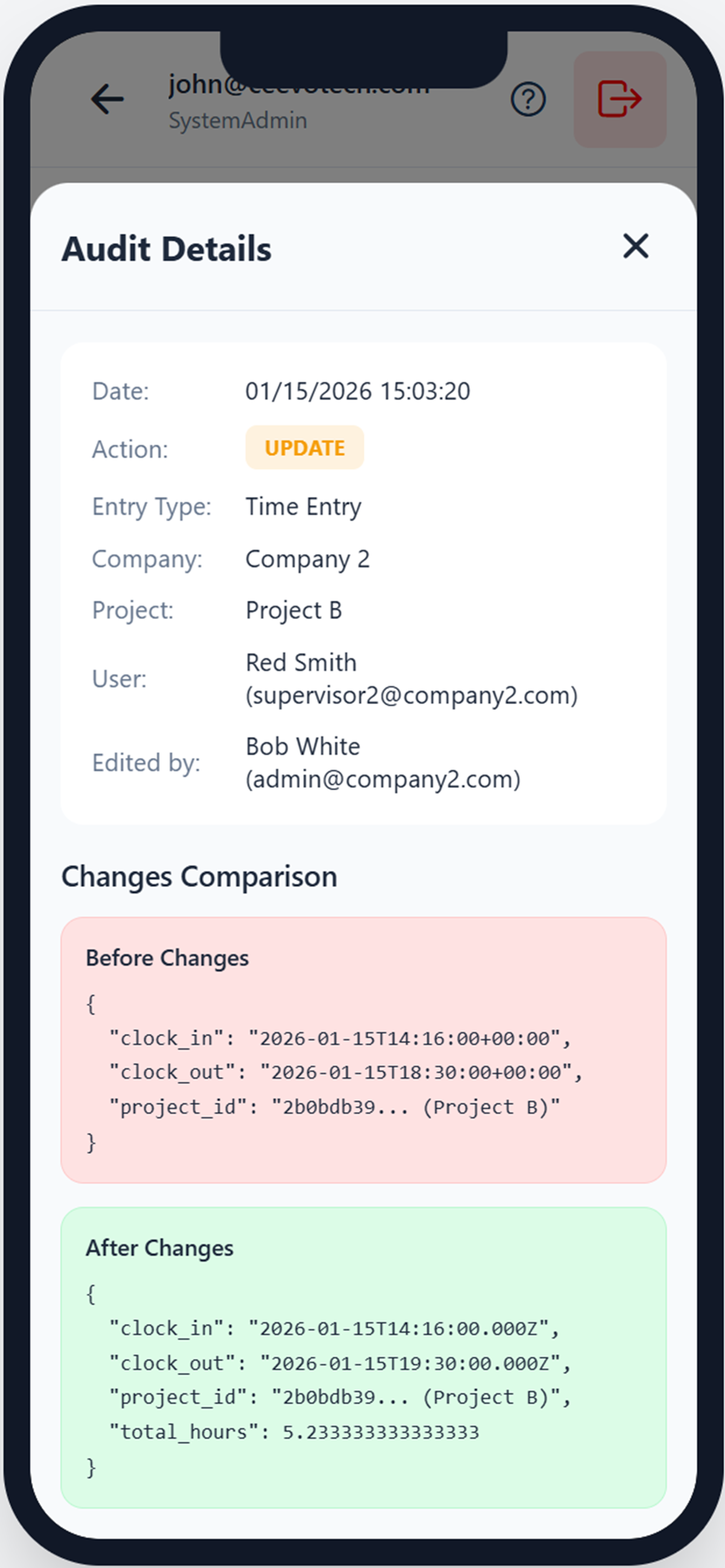
Supervisors can fix a missed punch. Every change stores who did it and the values before and after. That is the difference between “trust me” and payroll you can stand behind.
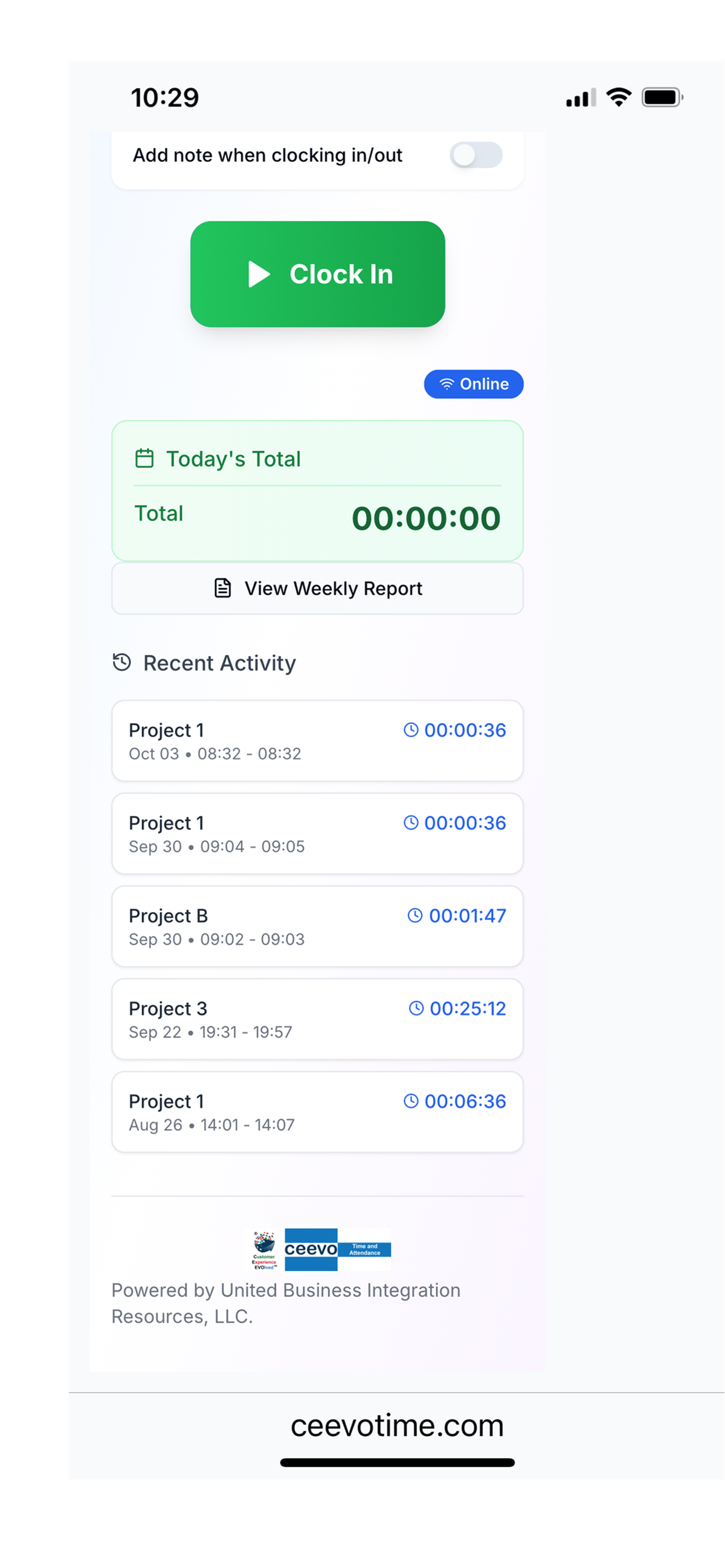
Daily hours, break time, weekly totals, and session notes under each project. Filter by user, project, company, and date. Download CSV, Excel, or PDF for the bookkeeper, payroll, or job costing.