Session notes on the clock
Add a note any time after clock-in without punching out. Stamp a work order, mark a pause, pick it up later. Activity and the weekly report show every note with the time it was written.
The time clock that costs the work order — not just the day
Most clocks only record when the day started and ended. CEEVO lets a tech stay clocked in and drop a timestamped note on each work order — #100378, waiting on parts, next ticket. Time between notes is time on that item. It shows up in activity and on the weekly report you export.
Available on iOS, Android, and web. No hardware clock required.
Founding offer — first five companies. 50% off your first 3 months if you go live in the next 90 days, finish one payroll cycle, and give a short case study plus an honest review. Applies to plan and user fees. Claim it on a demo.
Service techs do not do one job from 7 to 4. They work a stack of orders. Other clocks make them clock out and back in for every ticket — or they skip it and you reconstruct the day from memory. That is how job costing dies.
CEEVO keeps one session open. Each note is a timestamp on the work. Pause for parts, pick the same order up later, move to the next ticket. Payroll and costing use the same record.
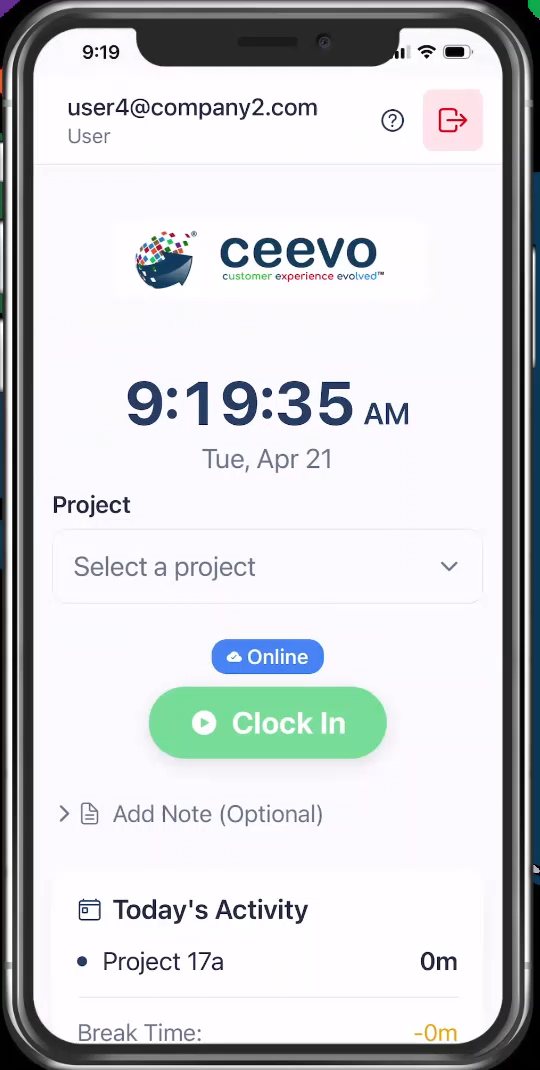
Employees pick the job, then clock in on their phone or a shared tablet. No project, no punch. Start a break with one tap.
While the session is running, submit a timestamped note — work order #100378, waiting on parts, next ticket. Each note is a marker on the clock. Time between notes is time on that item.
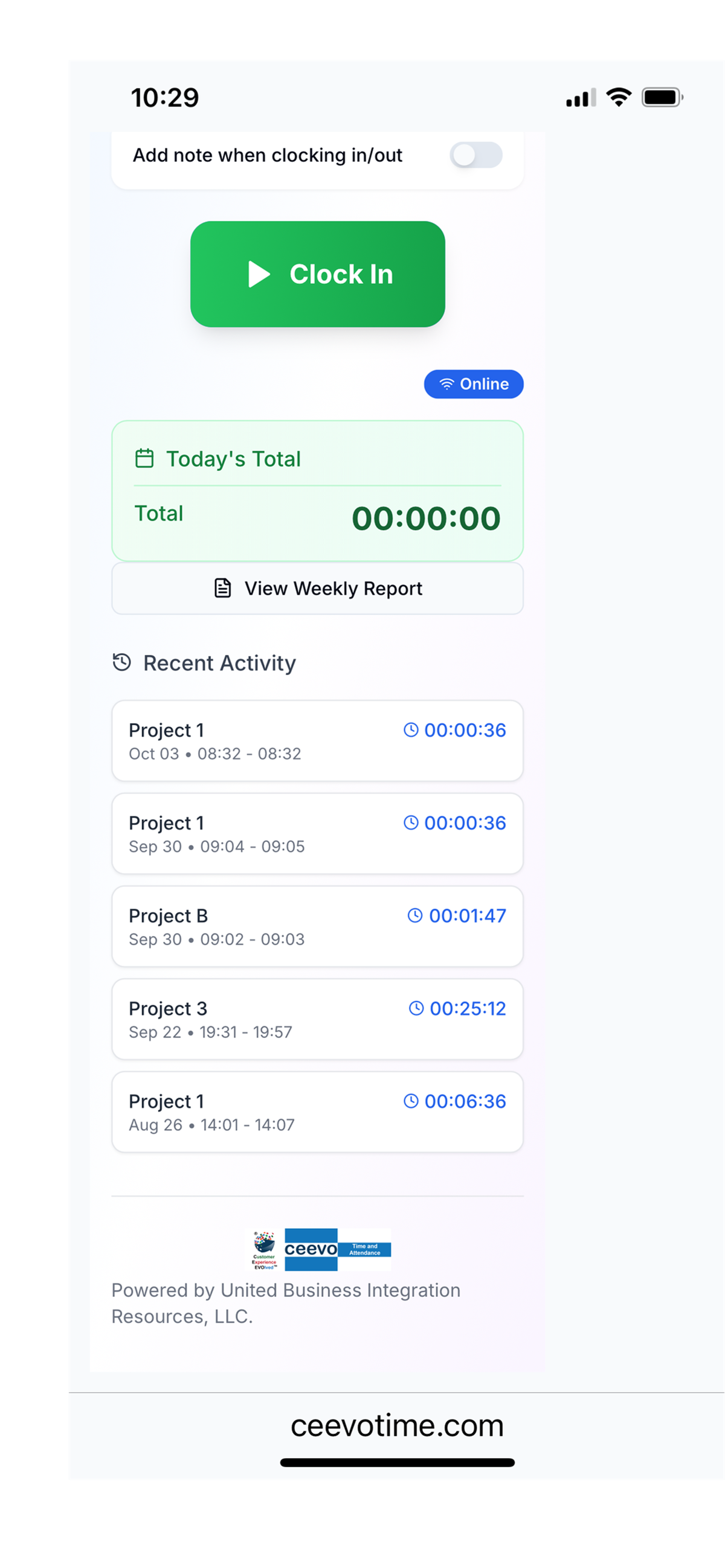
Notes show in activity and on the weekly report, under each project. Export CSV, Excel, or PDF for payroll or job costing.
Add a note any time after clock-in without punching out. Stamp a work order, mark a pause, pick it up later. Activity and the weekly report show every note with the time it was written.
Time between notes is time on that order. Export the week and you can see which tickets ate the hours — and which ones waited on parts.
Hours still land on the job. The clock will not start until a project is selected.
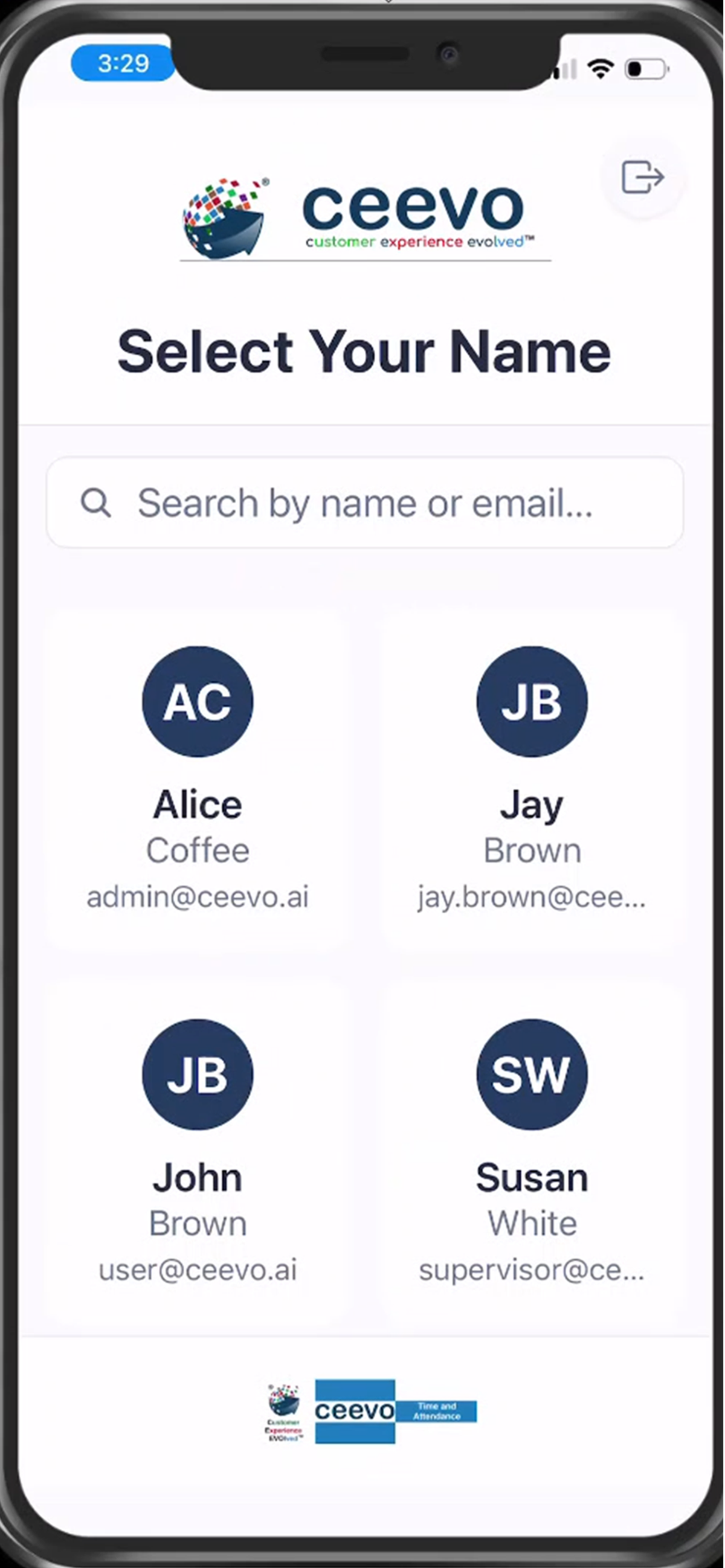
Put a tablet at the shop door or job trailer. Workers search their name, enter a 4-digit PIN, and punch.
Clock in and out offline. Punches queue on the device and sync when the connection comes back.
Time and break edits keep a before-and-after log. Useful the morning someone disputes Friday’s hours.
A service tech clocks in once, then works a list of tickets. After each one, they submit a note with the order number. The next note starts the clock on the next order. Waiting on parts? Write that. Same order later in the day? Note it again.
The export showed ticket #4521 with 5.5 hours stamped against it. The quote was built on 2 hours. That conversation happens before the invoice goes out — not after the customer calls.
Construction, trades, landscaping, janitorial, facilities, and light manufacturing. People move across jobs. They need a kiosk or a phone, not another portal.
See the product →More than one entity, one time system. Separate companies, shared visibility for the people who need it, locked down for everyone else.
See Operations pricing →Give each client a branded clock. They stamp work orders. You export an accurate timecard for entry into payroll. Partner: $8/user plus $99/month partner fee.
For payroll firms →CEEVO Time & Attendance records punches, breaks, and work-order notes. It is not a full payroll engine and not a shift marketplace.
If you need accurate time by person and project, a kiosk the shop will use, and a week you can export — this is the product.
No slide deck first. We clock in, submit a note on an order, submit the next one, and open the weekly report so you can see the time between them.
Book a 20-minute demoOr email hello@ceevo.ai
Yes. That is the point of the product. Submit a timestamped note while the session is running. The next note marks the next order. Notes appear in activity and on the weekly report, and you can export them.
No. Use personal phones, company phones, or a shared tablet in kiosk mode.
Yes. Punches queue offline and sync when the device is back online.
Yes. The hierarchy is clients, companies, and users, with roles for each level.
Not yet. CEEVO produces an accurate timecard — CSV, Excel, or PDF — for entry into payroll. A direct payroll integration is not available today.
Monthly or annual. First five companies: 50% off the first 3 months if you go live in 90 days, finish one payroll cycle, and give a short case study plus a review.